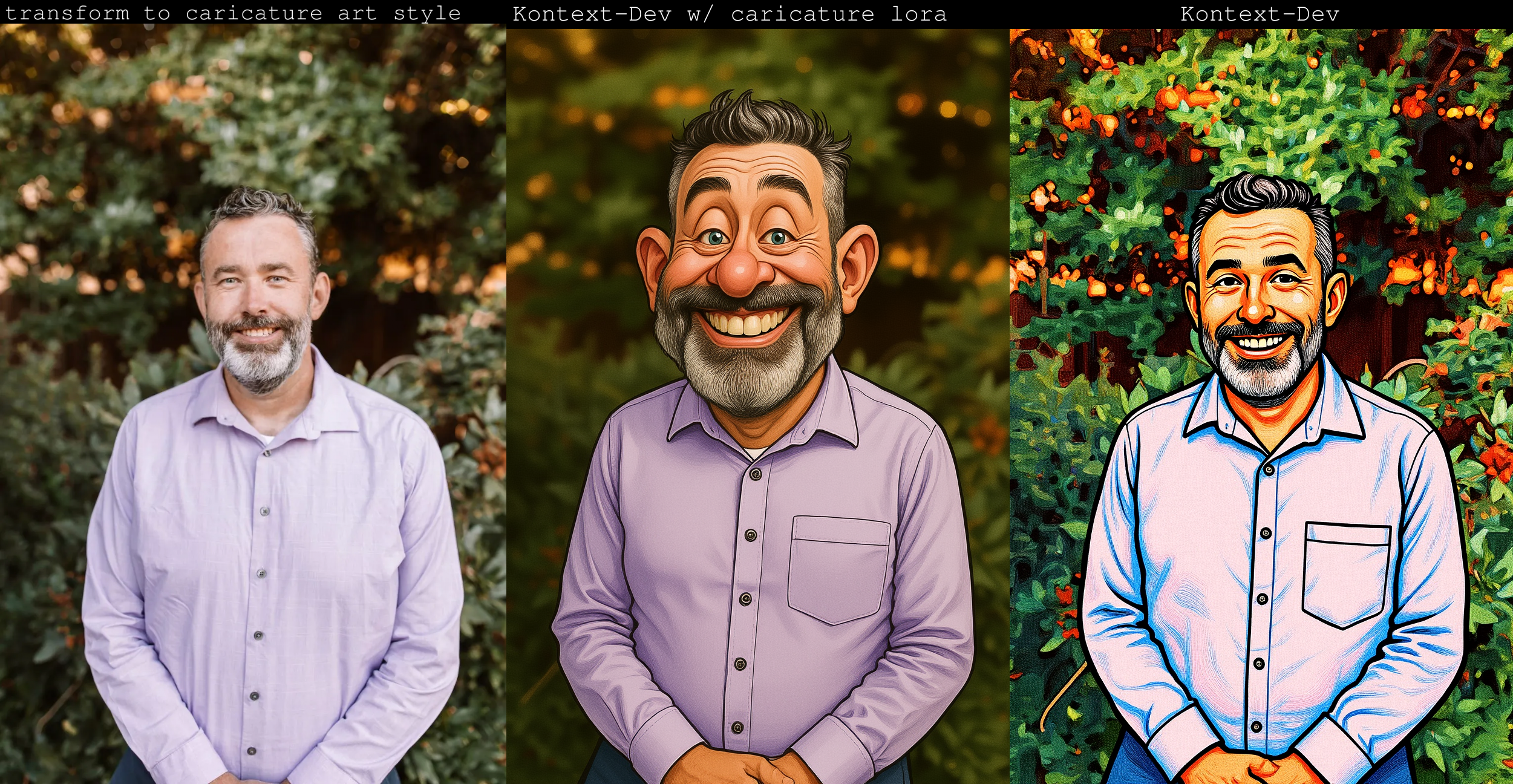
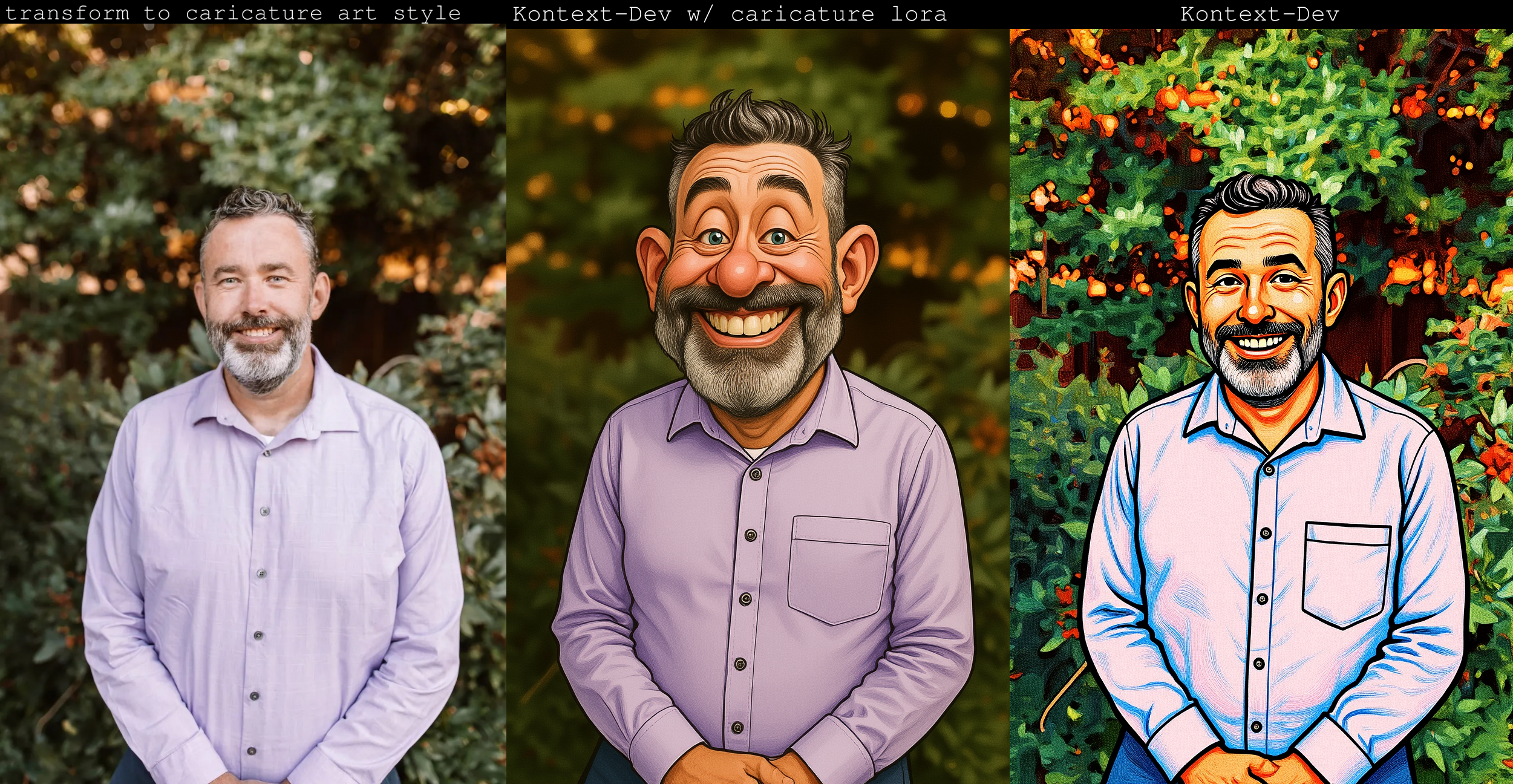
Instructions to use orabazes/caricature_kontext_lora with libraries, inference providers, notebooks, and local apps. Follow these links to get started.
- Libraries
- Diffusers
How to use orabazes/caricature_kontext_lora with Diffusers:
pip install -U diffusers transformers accelerate
import torch from diffusers import DiffusionPipeline from diffusers.utils import load_image # switch to "mps" for apple devices pipe = DiffusionPipeline.from_pretrained("undefined", dtype=torch.bfloat16, device_map="cuda") pipe.load_lora_weights("orabazes/caricature_kontext_lora") prompt = "Turn this cat into a dog" input_image = load_image("https://huggingface.co/datasets/huggingface/documentation-images/resolve/main/diffusers/cat.png") image = pipe(image=input_image, prompt=prompt).images[0] - Notebooks
- Google Colab
- Kaggle
- Local Apps Settings
- Draw Things

- Xet hash:
- d21cfad57d2b9a1720ae6e0b4a4406447a97e7ec7cfac1bb202fcbeb68eb75fe
- Size of remote file:
- 8.78 MB
- SHA256:
- 8ab99b6d11231f0aa9e353272ab485cc910da0e1065439b4fd5ff7ef40974fc9
·
Xet efficiently stores Large Files inside Git, intelligently splitting files into unique chunks and accelerating uploads and downloads. More info.